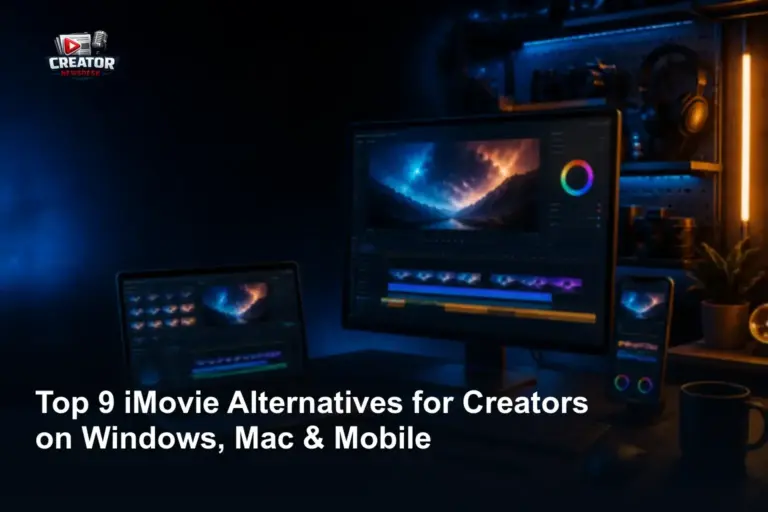
Content creators seeking powerful yet accessible video editing tools beyond iMovie now have a range of strong alternatives across Windows, Mac, and mobile platforms. As highlighted in a June 2026 report from Riverside, these options cater to diverse editing needs without requiring a steep learning curve or premium subscription tiers. The focus remains on usability, cross-device flexibility, and features that support fast-turnaround content for social media, vlogs, and short-form videos.
For Windows users, several alternatives offer timeline-based editing, built-in effects, and direct export to platforms like YouTube and TikTok—addressing a common gap for creators who leave Apple’s ecosystem. Mac-based options often emphasize seamless integration with other creative apps while providing more advanced controls than iMovie, such as multi-cam support or color grading presets. Mobile editors benefit from touch-optimized interfaces that allow quick cuts, filters, and voiceovers directly from smartphones or tablets, ideal for on-the-go storytelling.
These tools collectively support the growing demand for efficient, creator-first workflows. By prioritizing intuitive design and accessible feature sets, they help reduce production time while maintaining output quality. Whether editing a weekly podcast clip, a product demo, or a travel montage, creators can find a suitable iMovie alternative that matches their device preference and skill level—without sacrificing core functionality. The 2026 landscape reflects a shift toward inclusive editing software that empowers creators regardless of their operating system or experience.
Join the conversation
Load Facebook comments to read and reply using your Facebook account.
