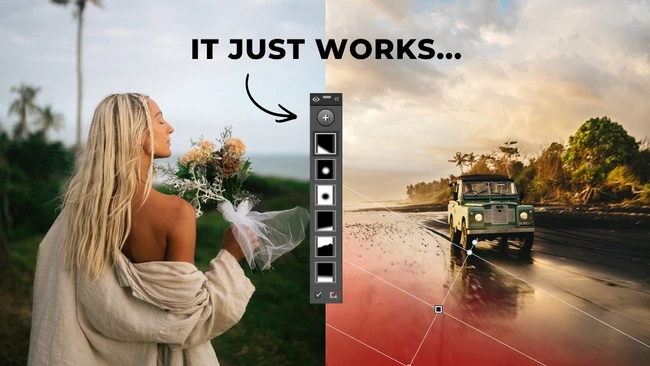
Adobe Lightroom’s masking tools have become a key differentiator between basic edits and those that look professionally refined. Many creators overlook these features, sticking to global adjustments that leave images looking flat. By applying localized adjustments, you can selectively enhance exposure, color, or detail in specific areas of a photo without affecting the rest of the frame.
The summary from Fstoppers highlights that the biggest gap in edit quality often comes from neglecting these tools. When used correctly, masks allow you to bring out texture in a subject’s skin, recover highlights in a sky, or deepen shadows in a foreground—steps that can make an image feel three‑dimensional and polished.
For content creators, the business impact is clear: higher‑quality visuals tend to attract more engagement, strengthen personal branding, and can lead to better client opportunities. Investing a few extra minutes to learn masking workflows can translate into a noticeable improvement in portfolio appeal, helping you compete in a crowded market.
Getting started is straightforward. Lightroom offers several mask types—brush, radial, gradient, and range masks—each suited to different scenarios. Begin with a simple brush mask to dodge and burn a portrait, then experiment with gradient masks to balance exposure across landscapes. As you grow comfortable, combine multiple masks for complex adjustments that would be impossible with global sliders alone.
Incorporating masking into your regular editing routine doesn’t require expensive gear or plugins; it’s a built‑in capability that rewards practice. By making these tools a habit, you’ll consistently produce edits that look dialed‑in, giving your work the professional edge that audiences notice.
Join the conversation
Load Facebook comments to read and reply using your Facebook account.