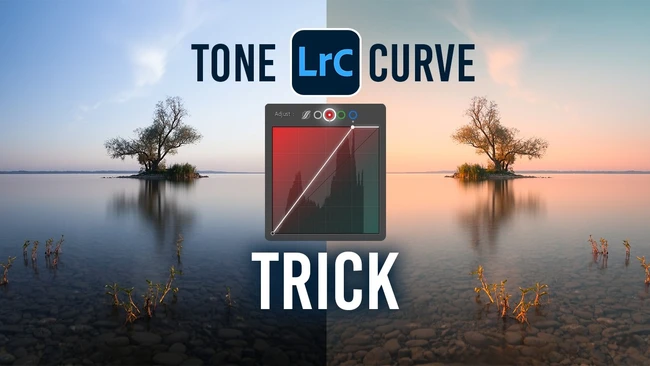
For content creators who shoot long exposures, stacking a polarizing filter with an ND filter on a wide-angle lens is a common way to control reflections and light. But that setup often introduces significant vignetting, leaving you with uneven edges that can kill the impact of an otherwise strong landscape or cityscape shot. A recent tutorial highlights how to work through this exact technical constraint in Lightroom.
The technique focuses on starting with a flat, uneven exposure and transforming it into a warm, airy, high-key result—without relying on reshoots or expensive hardware. Instead, the post-processing workflow inside Lightroom addresses the vignetting head-on, allowing you to retain detail while achieving the light and airy atmosphere that performs well on social media and client portfolios. The outcome is a more polished final image that still feels natural.
For professional and aspiring creators, this skill matters because it reduces the time wasted on correcting filter-induced problems in the field. Rather than abandoning a stacked-filter setup, you gain the ability to salvage and enhance captures that might otherwise be discarded. It also expands your creative options: you can push for warmer, lighter tones without the corners dragging down the exposure balance. This is especially useful for creators who need consistent, high-quality output under tight deadlines or variable lighting conditions.
While the source material does not provide step-by-step slider values, the core takeaway is that post-processing flexibility often compensates for gear limitations. Upgrading your editing workflow—not just your lenses—can be the difference between a technically flawed shot and a portfolio piece. By learning how to correct vignetting while preserving a clean, airy look, you keep your creative options open and your work polished.
For the full breakdown, the original Fstoppers article delves into the specific Lightroom adjustments that deliver that warm, airy aesthetic from a flat long exposure. Creators who regularly shoot with wide lenses and filter systems would do well to add this technique to their editing toolkit.
Join the conversation
Load Facebook comments to read and reply using your Facebook account.