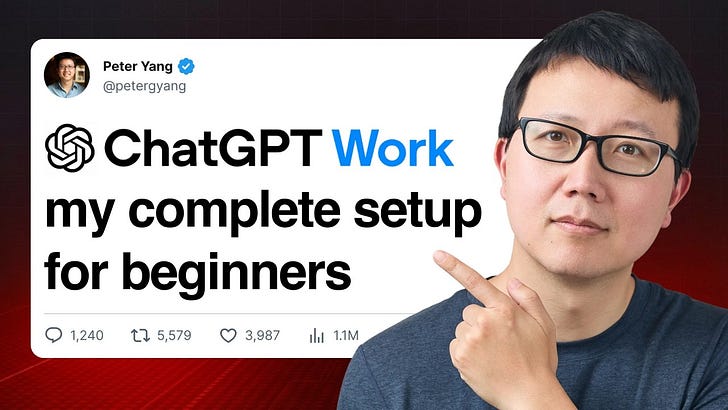
A recent tutorial published on July 15 2026 on the Creator Economy platform outlines a practical 7‑step beginner guide for creators who want to leverage GPT‑5.6 across their workflows. The piece is positioned as a hands‑on resource that walks users through selecting the appropriate GPT‑5.6 model, linking it to the tools they already use, and automating routine tasks such as email handling and calendar management.
The first step focuses on evaluating the capabilities of different GPT‑5.6 variants to match specific creator needs, whether that’s drafting copy, generating video scripts, or answering audience questions. By matching model strengths to task demands, creators can avoid over‑engineering solutions and keep costs aligned with their content budgets.
Next, the guide details how to connect the chosen model to existing applications. It explains simple integration methods that let GPT‑5.6 pull data from email inboxes, sync with calendar events, and trigger actions without requiring deep technical expertise. This connectivity is presented as a way to centralize workflow control and reduce manual back‑and‑forth.
Automation is highlighted as a core benefit: the tutorial shows how to set up recurring prompts that draft newsletters, schedule posts, or generate analytics reports automatically. By scripting these interactions, creators free up time for higher‑value creative work while maintaining consistent output.
Finally, the guide walks users through building their own sites or landing pages using GPT‑5.6‑powered content generation. The emphasis is on using the model to draft copy, structure layouts, and even suggest SEO‑friendly headings, enabling rapid site launches without hiring additional writers.
Overall, the tutorial serves as a roadmap for creators who want to embed AI into their daily operations, offering a clear, step‑by‑step approach that balances ease of use with strategic productivity gains. It reflects the growing trend of AI‑driven workflow optimization in the creator economy.
Join the conversation
Load Facebook comments to read and reply using your Facebook account.
