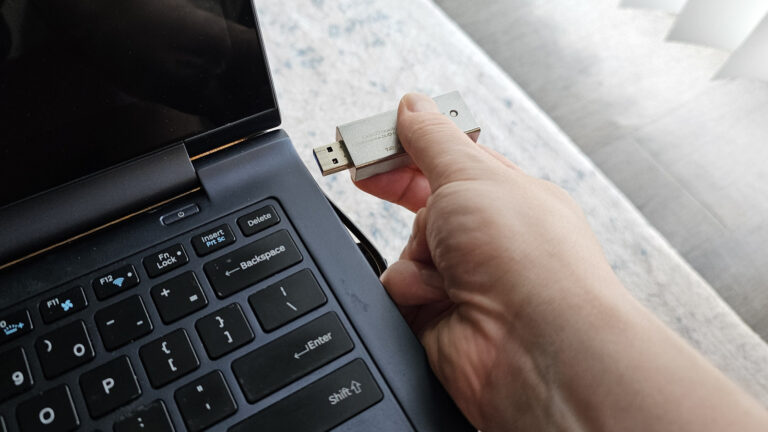
For content creators, the portable USB drive is a fixture of the daily workflow—moving raw interviews from the field to the edit suite, shipping final cuts to clients, and maintaining offsite backups of project archives. But every drive eventually needs a clean slate, and Windows users have a straightforward path to doing just that, as demonstrated in a new guide from Engadget.
The guide notes that several scenarios might require you to format a USB drive. For creators, these situations are familiar: a drive has become corrupted after being yanked from a camera mid-transfer, a new high-capacity SSD arrived with a factory file system that isn't playing nice with your gear, or you simply need to wipe a drive clean before handing it off for a freelance project under a strict data-security agreement.
Formatting is the process that prepares a storage device for use by your operating system, clearing the previous data structure and rebuilding the file system. While the act itself is routine, the stakes are anything but for a working creative professional. Formatting permanently erases everything on the drive, so verifying that all footage, proxies, and project files exist elsewhere is a non-negotiable first step before following any how-to walkthrough.
What the Engadget guide provides is the practical, Windows-native procedure to get the job done without relying on third-party utilities. That's a meaningful advantage for freelancers who need a reliable, built-in solution when they're on location with limited connectivity or working on a borrowed machine. Knowing exactly which settings to use—and which not to touch—can prevent a routine maintenance task from turning into an expensive post-production headache.
From a business perspective, mastering this basic maintenance task keeps your gear running predictably between gigs. The ability to quickly reformat a drive for a different file system can also resolve compatibility headaches when moving media between a Windows workstation, a smart TV client review setup, or an on-camera monitor. For any creator, having a dependable process for this chore is an underrated professional asset.
Join the conversation
Load Facebook comments to read and reply using your Facebook account.
