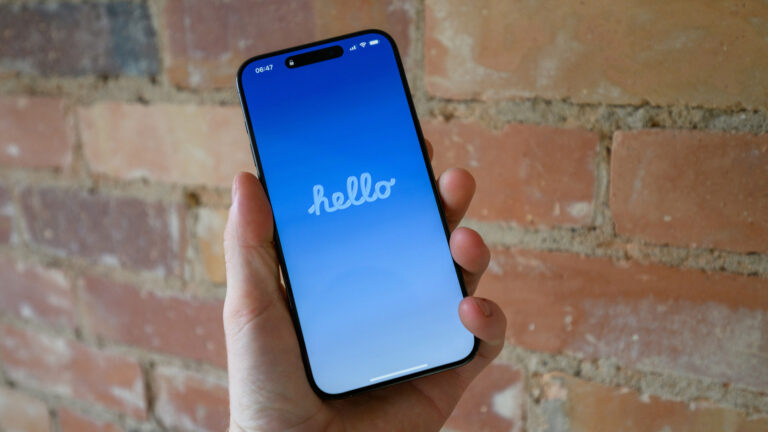
When your iPhone freezes, apps crash, or performance slows, a reset can often restore smooth operation—especially vital for creators relying on their device for shooting, editing, or uploading content. According to Engadget’s guide published on August 30, 2026, understanding the distinction between a soft reset and a hard reset helps you choose the right fix without risking data loss or unnecessary steps.
A soft reset, also known as a force restart, is the go-to solution for temporary glitches like unresponsive screens or frozen apps. It doesn’t delete any data and simply reboot the system. The method varies slightly by iPhone model: for iPhone 8 and later, quickly press and release the Volume Up button, then Volume Down, then hold the Side button until the Apple logo appears. For older models with Home buttons, hold both the Home and Top (or Side) buttons together until the logo shows.
A hard reset—often confused with a factory reset—is actually the same as a soft reset in everyday usage, per Engadget’s clarification. True factory resets erase all content and settings and should only be used when selling the device or resolving deep software issues after backing up via iCloud or computer. Creators should avoid factory resets unless absolutely necessary, as they require re-downloading apps, reconfiguring settings, and restoring media libraries.
Knowing when to apply each reset saves time and frustration during shoots or edits. A soft reset resolves most day-to-day hiccups without interrupting workflow. Always back up your content regularly—especially ProRes video, photo libraries, and project files—so you’re prepared if a deeper fix becomes needed. For most creator-related iPhone issues, a proper soft reset is the safest, fastest first step.
Join the conversation
Load Facebook comments to read and reply using your Facebook account.
