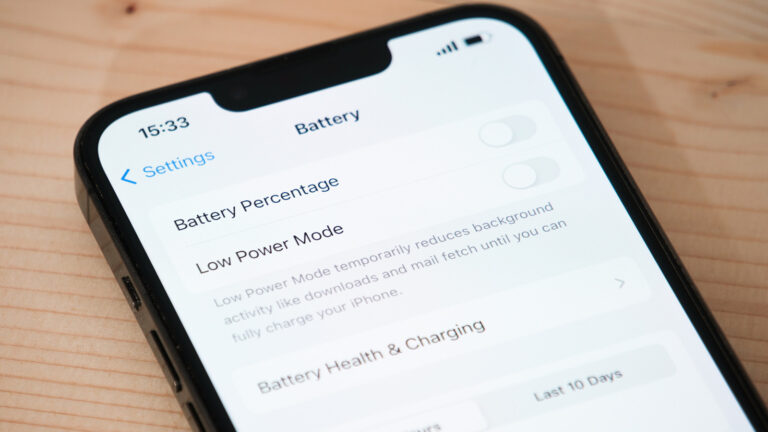
As an iPhone user, especially one who creates content on the go, battery reliability is critical. Over time, all lithium-ion batteries degrade, and Apple’s devices are no exception. Recognizing the early warning signs of battery wear can help you avoid unexpected shutdowns during shoots, live streams, or editing sessions.
One of the most common indicators is significantly reduced battery life. If your iPhone drains much faster than it used to — even with similar usage patterns — it’s a strong signal that the battery’s capacity has diminished. This is particularly noticeable when you’re using power-intensive apps like video editors, cameras, or streaming tools.
Another sign is unexpected shutdowns, especially when the battery still shows a charge. If your iPhone turns off at 20% or 30%, it may no longer deliver power consistently, a symptom of aging battery chemistry. This can disrupt workflows and risk lost progress on projects.
You might also notice slower performance, as iOS may throttle the processor to prevent shutdowns when the battery can’t supply peak power. While this protects the device, it can make editing or rendering feel sluggish — a frustrating hurdle for creators on tight deadlines.
Additionally, check your battery health in Settings > Battery > Battery Health & Charging. If the maximum capacity is below 80%, Apple recommends considering a replacement. While the source doesn’t specify exact thresholds, this benchmark aligns with Apple’s own service guidance.
Staying proactive about battery health ensures your iPhone remains a dependable tool for content creation. When these signs appear, a battery replacement can restore performance and extend your device’s useful life — saving you from premature upgrades.
Join the conversation
Load Facebook comments to read and reply using your Facebook account.
