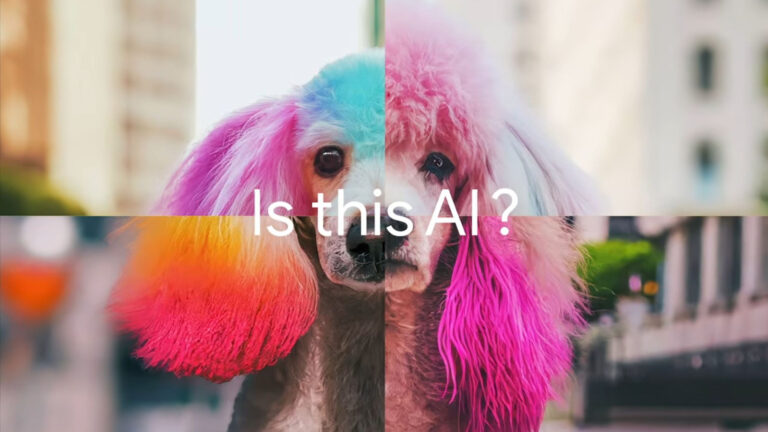
Google’s SynthID AI detection website offers creators a straightforward way to check whether an image has been generated or altered using artificial intelligence. Launched as part of Google’s broader effort to increase transparency in AI-generated content, the tool analyzes digital watermarks embedded by SynthID-enabled systems to determine if an image is AI-originated.
The process is designed to be user-friendly: creators upload an image directly to the SynthID detection site, and the platform returns a quick assessment based on detectable markers. While the tool does not provide granular editing details, it effectively flags content produced with Google’s own generative models that use SynthID watermarking.
However, the source notes important limitations. SynthID detection only works reliably on images that contain the specific watermark applied by Google’s AI systems. Images generated by other platforms—or those where the watermark has been stripped or altered—may not be detected, meaning a clean result doesn’t guarantee authenticity.
For content creators, this tool serves as a first-line defense in verifying visual assets, especially when sourcing material from third parties or collaborating across teams. It supports ethical content practices by helping creators avoid unintentionally spreading AI-generated misinformation.
As AI-generated media becomes more pervasive in 2026, tools like SynthID are becoming essential in the creator workflow. While not a foolproof solution, integrating such detection methods into content review processes adds a layer of accountability and trust in an increasingly synthetic visual landscape.
Join the conversation
Load Facebook comments to read and reply using your Facebook account.
