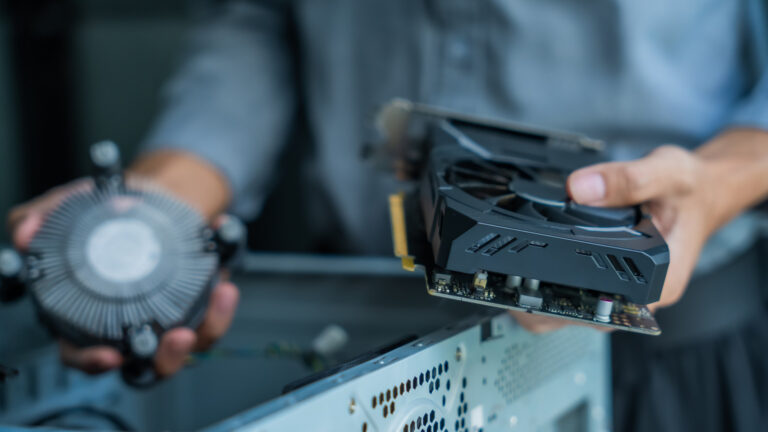
Keeping your PC cool isn’t just about adding more fans—it’s about smart airflow design. According to Engadget’s guide published October 24, 2026, optimizing how air moves through your case can significantly impact thermal performance, especially during demanding creative workloads like video editing, 3D rendering, or live streaming. The core idea is balancing intake and exhaust to create consistent, unobstructed air movement that pulls heat away from critical components like the CPU and GPU.
For creators who push their systems hard, poor airflow can lead to thermal throttling, reduced performance, or even hardware instability over time. The Engadget piece emphasizes thoughtful fan placement—typically using front or bottom vents as intake and rear or top vents as exhaust—to establish a front-to-back or bottom-to-top airflow pattern. This helps prevent hot air recirculation and ensures cooler air reaches heat-generating parts.
The article also highlights the importance of cable management and dust filtration. Tangled cables can block internal airflow paths, while clogged filters reduce intake efficiency over time. Creators using open-frame cases or custom builds should pay extra attention to maintaining clear zones around VRMs, M.2 drives, and memory modules. Regular cleaning and filter maintenance are simple but effective habits that sustain cooling performance.
Ultimately, improving airflow doesn’t require expensive upgrades—just awareness and intentional setup. By applying these principles, content creators can maintain lower temperatures, quieter operation, and more reliable performance during marathon creation sessions. A well-ventilated PC isn’t just cooler; it’s a more dependable creative partner.
Join the conversation
Load Facebook comments to read and reply using your Facebook account.
