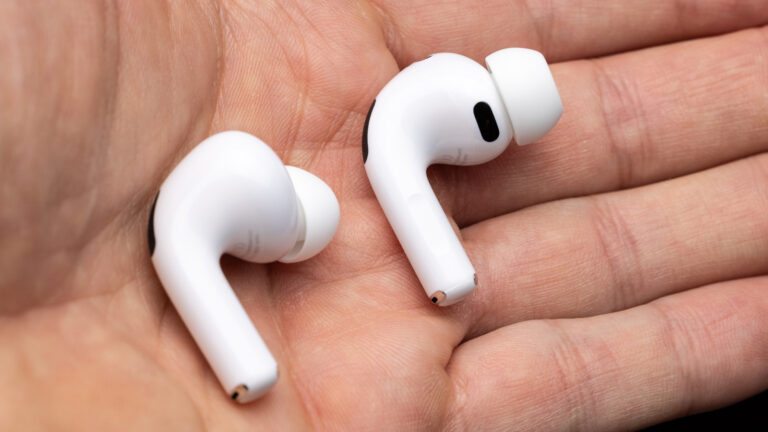
Many content creators rely on AirPods for editing, recording, and on-the-go production, but unexpected disconnections can disrupt focus and workflow. According to an Engadget report from October 31, 2026, these interruptions often stem from overly aggressive built-in features designed to enhance usability—such as automatic device switching and sensor-based controls—that can misfire in multi-device environments.
The core issue lies in how AirPods interact with Apple’s ecosystem, particularly when paired with a Mac alongside an iPhone or iPad. Features like Automatic Switching, which seamlessly moves audio between devices based on activity, may trigger falsely if sensors detect motion or proximity changes that aren’t intentional. Similarly, in-ear detection can pause or drop audio if it incorrectly senses the earbuds have been removed, even during minor shifts.
For creators using AirPods during long editing sessions or live commentary, these glitches can mean lost audio cues, interrupted recordings, or the need to constantly reconnect. The solution, as highlighted in the source, involves adjusting specific settings in macOS and the connected iOS device to reduce sensitivity without sacrificing convenience. Disabling Automatic Switching when not needed or fine-tuning in-ear detection behavior can significantly improve stability.
Creators are advised to check Bluetooth settings on their Mac, navigate to the AirPods options, and toggle off features that cause unwanted switching. Additionally, ensuring firmware is up to date and avoiding physical obstructions near the sensors can help maintain consistent connectivity. While no hardware changes are required, these software tweaks offer a practical way to reclaim reliable audio performance—keeping the focus on creation, not troubleshooting.
Join the conversation
Load Facebook comments to read and reply using your Facebook account.
