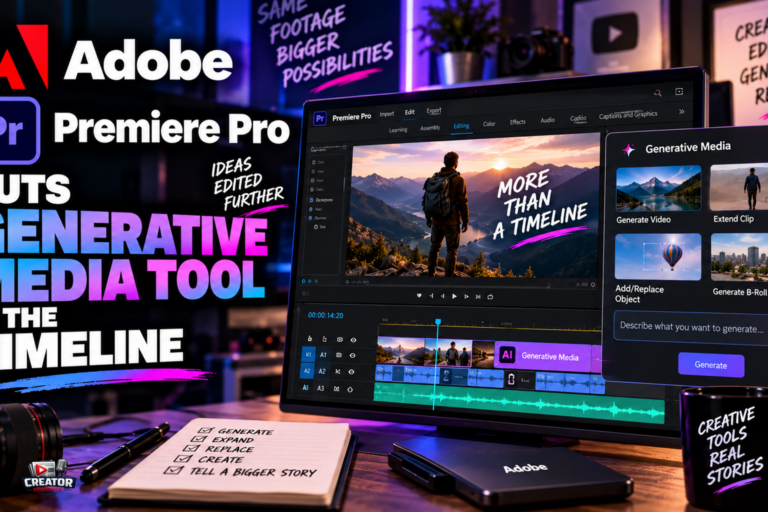
Adobe used the IBC 2026 broadcast show in Amsterdam to put generative AI directly into the Premiere Pro timeline, launching a Generative Media Tool that lets editors create video, sound effects, soundscapes and music without leaving their project. After Effects gets its own AI Assistant, and both apps pick up a round of AI audio and workflow upgrades.
The Generative Media Tool lives in the toolbar alongside the existing Generative Extend feature. An editor draws a range on any track, describes what is needed, picks a model, and Premiere returns a clip already sized to the sequence’s resolution and aspect ratio. Four generation modes cover the common gaps: Generate Video fills timeline holes using reference frames sampled from the project so the new footage matches the surrounding visual context; Generate Sound Effects builds effects from Adobe’s commercially safe audio model, with the editor’s own voice guiding rhythm and intensity; Generate Soundscape analyzes up to 15 seconds of video and layers ambience and effects timed to the edit; and Generate Music offers tempo and looping controls.
Adobe is positioning Premiere as the Switzerland of AI video. Alongside its own Firefly models, the tool supports third-party models including Google Veo, Kling, Runway and Luma, selectable per generation. Content made with Firefly carries Content Credentials provenance metadata, which matters as platforms move toward labeling rather than filtering AI content, though third-party models do not all meet Adobe’s commercial-safety bar.
The audio upgrades deserve attention on their own: Separate Crosstalk splits overlapping speakers into independent tracks, Dynamic Auto Ducking balances dialogue against music, and a new Enhance Audio panel offers per-track sliders for dialogue, music, ambience and effects. After Effects’ AI Assistant, in public beta, handles multi-step tasks such as layer reorganization, technical repairs and expression writing across whole projects.
For editors, the takeaway is to price the convenience honestly. A five-second Firefly clip costs 100 credits against a 2,000-credit monthly base allowance, roughly a minute and forty seconds of generated video before top-ups. Use the in-timeline tools for gap fills and B-roll where the round-trip savings are real, and keep an eye on which generations actually needed a third-party model versus Firefly’s commercially safe default.
Join the conversation
Load Facebook comments to read and reply using your Facebook account.
