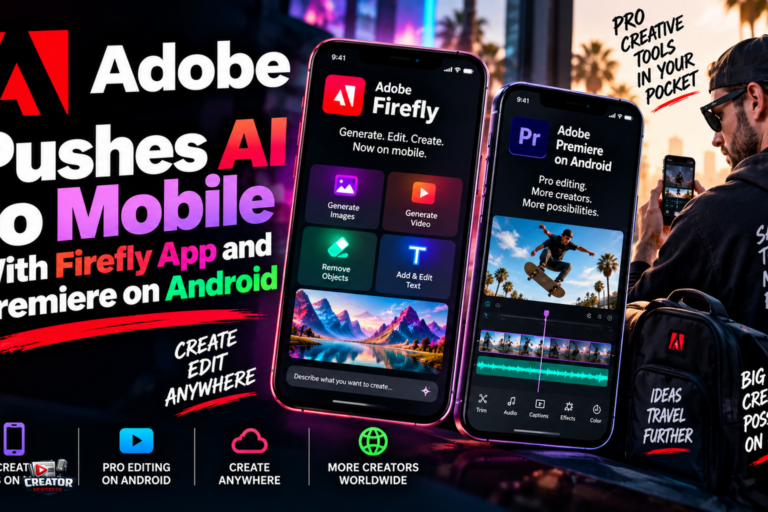
Adobe is making its most aggressive mobile push yet, launching a standalone Firefly app for iOS and Android while expanding Premiere’s mobile editor to Android phones. Together, the moves turn smartphones from preview monitors into active nodes of the Creative Cloud workflow.
The Firefly mobile app packages text-to-image, text-to-video and Generative Fill onto phone hardware, with controls for aspect ratio, lighting setups and color framing. Projects started on a phone sync to cloud storage, so assets can be handed off to Photoshop, Premiere Pro or Adobe Express without manual exporting. In an unusual move for Adobe, the app also hosts rival AI architectures inside its interface, offering third-party models from Google, OpenAI, ElevenLabs, Luma AI and Runway alongside Firefly, so creators can swap between competing image and video engines in one UI.
Premiere’s arrival on Android extends the mobile editor that debuted on iPhone last year. Now on the Google Play Store for devices running Android 13 or later with at least 5GB of RAM, it offers frame-accurate editing, a multi-track timeline, creator templates, 4K exports and the one-tap Enhance Audio tool for cleaning up interviews and voiceovers. Firefly-powered tools including Generative Fill, Image-to-Video and Generate Sound Effects come along, and the core app is free, ad-free and watermark-free, with paid upgrades for extra generative credits and storage.
The strategy is clear: meet the generation of creators who shoot, edit and publish entirely on phones, and make Adobe’s AI the default toolkit inside that loop rather than ceding mobile to CapCut and built-in platform editors.
For mobile-first creators, the takeaway is to test whether a phone-first Adobe workflow actually fits. Generate a thumbnail in the Firefly app, cut a vertical edit in Premiere mobile, and hand both to desktop for finishing, then compare the friction against your current setup. The free, watermark-free tier makes the experiment cheap; the question is whether the round trip to desktop earns its keep or just adds steps.
Join the conversation
Load Facebook comments to read and reply using your Facebook account.
