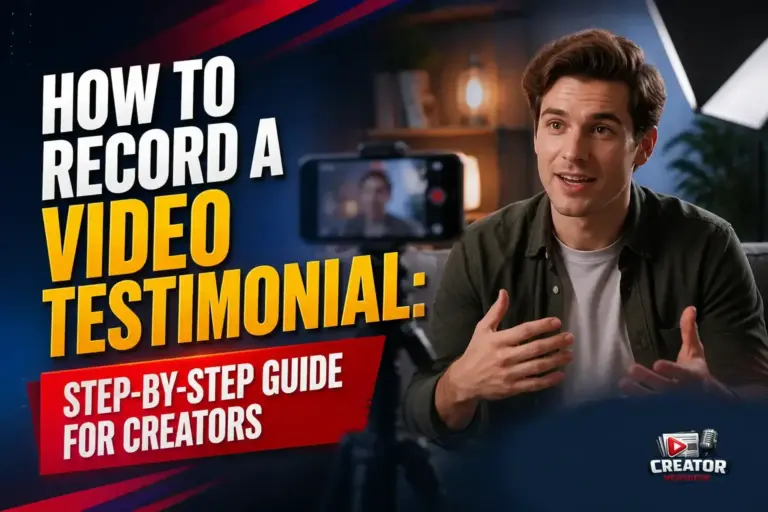
Recording a compelling video testimonial doesn’t require a studio setup—just the right approach. According to Riverside’s guide published on August 11, 2026, creators can produce high-impact testimonials using accessible methods like online platforms, asynchronous recording, and mobile devices. The focus is on authenticity and clarity to build audience trust and drive measurable results.
The guide emphasizes preparation as a key first step. Creators are advised to help participants feel comfortable by sharing questions in advance and setting clear expectations about tone and length. This reduces nervousness and leads to more natural, engaging responses on camera.
For recording, the article outlines three practical options: online tools for real-time collaboration, asynchronous methods that let participants record on their own schedule, and mobile-friendly techniques using smartphones. Each approach supports flexibility without sacrificing quality, making testimonials accessible for remote or busy contributors.
To ensure professional quality, the guide recommends attention to lighting, audio clarity, and framing—simple adjustments that significantly improve viewer perception. Creators are encouraged to use external mics when possible, record in quiet spaces, and position the camera at eye level for a polished look.
Finally, the piece highlights how well-recorded testimonials serve as powerful social proof. When done right, they not only strengthen brand credibility but also convert viewers into customers by showcasing real experiences in a relatable format. Creators across niches can apply these steps to elevate their content strategy.
Join the conversation
Load Facebook comments to read and reply using your Facebook account.
