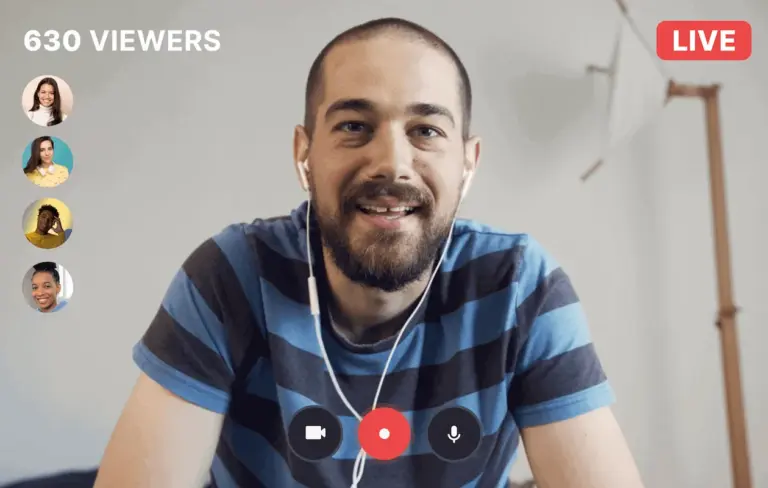
Recording streaming video has become a vital skill for content creators who need to capture live events, webinars, or online tutorials for later use. Whether you're repurposing content, creating reaction videos, or building an archive, knowing how to record your screen across devices ensures you never miss a moment. The process varies slightly by platform, but reliable solutions exist for every major operating system.
On Mac, built-in tools like QuickTime Player allow users to record screen activity with minimal setup, while third-party apps offer advanced features such as multi-source capture and editing integration. Windows users can rely on the Xbox Game Bar for quick recordings or opt for more robust software like OBS Studio for professional-grade control. Both platforms support high-quality output suitable for editing and publishing.
Mobile creators aren’t left behind—iOS and Android devices include native screen recording functions accessible through control centers or settings. These tools let you capture streaming video directly from your phone or tablet, ideal for on-the-go content gathering. While mobile options may have limitations in resolution or audio routing, they remain effective for quick clips and social media use.
Choosing the right tool depends on your workflow, desired quality, and editing needs. Creators should prioritize software that balances ease of use with flexibility, especially when recording DRM-protected or encrypted streams, which may require additional considerations. Always respect copyright and platform terms of service when capturing content.
This guide emphasizes practical, accessible methods without promoting specific paid tools or making unverified claims. By focusing on widely available features and trusted open-source or system-based options, creators can confidently record streaming video across devices—turning passive viewing into active content creation.
Join the conversation
Load Facebook comments to read and reply using your Facebook account.