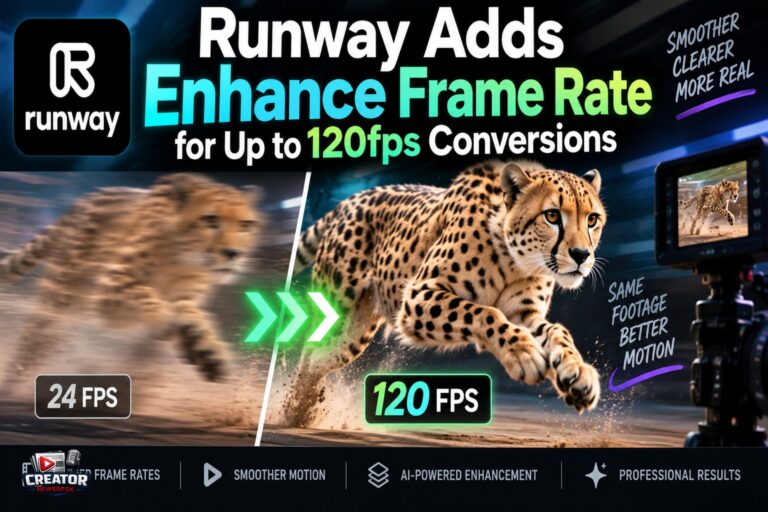
Runway has introduced Enhance Frame Rate, a model that converts video to higher, broadcast-ready frame rates, with targets up to 120fps. Announced September 17 and listed in Runway’s official changelog, the tool works on any video, whether made in Runway or not, at up to 4K resolution and up to five minutes long. It is available in the Enhance menu, Tool Mode, Workflows and the Runway Agent.
Frame rate interpolation generates new frames between existing ones, for example turning 24fps footage into smooth 60fps output. Doing it well requires predicting motion between frames accurately, a task that gets harder at higher resolutions and with complex movement. Runway claims its implementation runs up to seven times faster than other interpolation solutions, a notable claim in a step that has historically been a bottleneck.
The supported targets cover both consumer and broadcast delivery: 24, 25, 30, 48, 50, 60 and 120fps, plus the fractional broadcast cadences 23.98, 29.97 and 59.94 that many delivery specs require. Converting directly to the required cadence can remove a separate standards-conversion step for creators delivering to broadcasters or streaming platforms with strict specs.
Pricing is duration-based rather than output-based. On Runway’s API the model bills at one credit per two seconds of input, so a 60-second clip costs about 30 credits, roughly 30 cents at a cent per credit, regardless of whether the target is 30fps or 120fps. That makes high-frame-rate conversion dramatically cheaper than spatial upscaling on the same platform, which bills per output frame.
For creators, the use cases split two ways. Anyone working with AI-generated video, which often renders at lower frame rates by default, gets a fast finishing step in the same platform instead of a separate tool. And editors delivering broadcast or slow-motion work can standardize mixed-frame-rate timelines without leaving their workflow. The takeaway: test it on your hardest motion first, a fast pan or a hand crossing frame, since interpolation artifacts show up there before anywhere else, and keep the original cadence version archived in case a client asks.
Join the conversation
Load Facebook comments to read and reply using your Facebook account.
