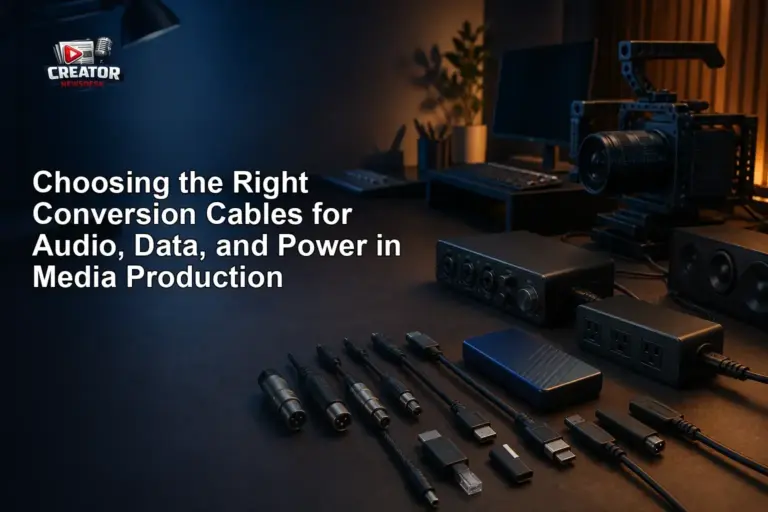
In the fast-paced world of media production, having the right cables is critical—but no single cable works for every device. As highlighted in a recent ProVideo Coalition article, creators often face compatibility challenges when connecting audio interfaces, cameras, storage drives, and power sources. While HDMI remains a common standard for video output, it doesn’t handle audio, data, or power needs on its own, making conversion cables a necessary part of any creator’s toolkit.
The article emphasizes that understanding the specific requirements of each connection type—audio signals, data transfer rates, and power delivery—is key to avoiding signal loss, equipment damage, or workflow delays. For example, using an inadequate cable for high-resolution audio interfaces or external SSDs can result in dropped frames or failed transfers. Creators are advised to match cable specifications to their gear’s needs rather than assuming universality.
Conversion cables—such as HDMI to SDI, USB-C to USB-A, or XLR to 3.5mm adapters—serve as vital bridges between legacy and modern equipment. However, not all adapters support bidirectional signals or full power delivery, so checking compatibility before purchase is essential. The piece warns against assuming that a cable “fits” means it “works,” especially when dealing with professional-grade gear that demands precise electrical and signal standards.
Ultimately, the guidance is clear: invest time in researching the right conversion solutions for your specific setup. Keeping a well-organized cable kit with verified adapters can save time on set and in the edit suite, ensuring your focus stays on creating content—not troubleshooting connections. For media creators, the right cable isn’t just a convenience—it’s a workflow necessity.
Join the conversation
Load Facebook comments to read and reply using your Facebook account.
