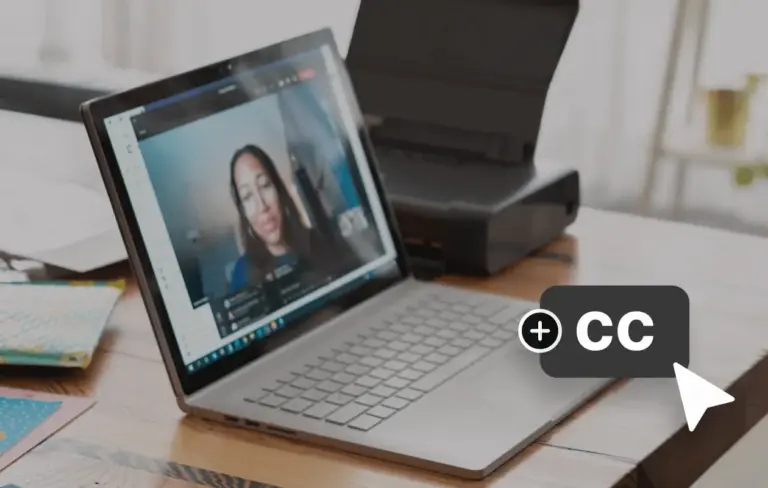
Transcribing Zoom recordings has become a valuable step for creators who want to get more mileage out of their virtual meetings. Whether the goal is to turn a discussion into a blog post, create social‑media snippets, or make content accessible to a wider audience, having a written transcript opens up many possibilities. A clear, reliable process saves time and ensures that nothing important is lost in the shuffle.
Riverside published a step‑by‑step guide on August 6, 2026, titled “How to Transcribe Zoom Recordings | Zoom Transcription Guide.” The article walks creators through the process of turning recorded Zoom sessions into text files. It outlines the tools and settings that can be used, focusing on methods that are straightforward to follow without requiring advanced technical knowledge.
Once a transcript is in hand, creators can repurpose the material in numerous ways. The spoken content can be edited into articles, newsletters, or video captions, allowing a single recording to fuel multiple content pieces. This approach helps maintain a steady publishing schedule while maximizing the return on each live session.
Beyond repurposing, transcripts improve accessibility for viewers who are deaf or hard of hearing and aid non‑native speakers who prefer to read along. Search engines also index text more effectively than audio, so providing a transcript can boost the discoverability of the original recording. These benefits align with common creator goals of reaching broader audiences and improving content performance.
The guide emphasizes choosing the method that best fits a creator’s workflow, whether that means using Zoom’s built‑in transcription feature, exporting the recording for external software, or leveraging a dedicated service. By following the outlined steps, creators can reliably produce accurate transcripts and put them to work across their content strategy. With the guide’s clear instructions, turning Zoom meetings into usable text becomes a manageable task that supports both creative output and audience engagement.
Join the conversation
Load Facebook comments to read and reply using your Facebook account.
