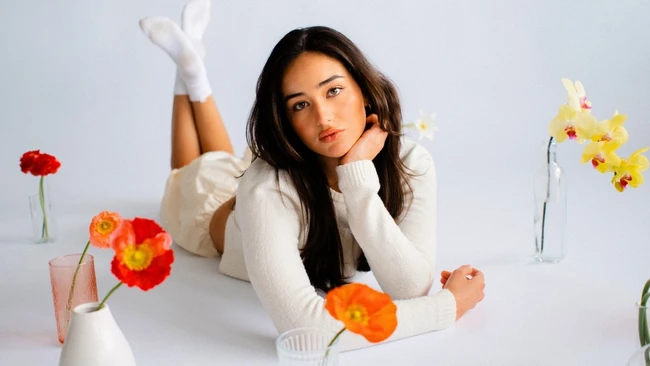
Editing portrait skin tones in Lightroom is a critical skill for content creators who want their portfolios to feel unified and professional. A cohesive look across images builds trust and elevates perceived quality, even when clients can’t pinpoint exactly what’s improved. Getting skin tones right ensures subjects look natural and flattering, avoiding the uncanny feeling of mismatched warmth or tint between shots.
The process involves more than just adjusting saturation or warmth—it requires careful attention to hue, luminance, and white balance across multiple images. Lightroom’s HSL panel and color grading tools allow precise control over skin tones without affecting other elements in the frame. Consistency is key: applying similar adjustments across a shoot helps create a signature style that clients recognize and appreciate.
For creators delivering client work, mastering this technique reduces revision requests and increases satisfaction. It also streamlines workflow, as presets or synchronized edits can be applied efficiently once a baseline look is established. Over time, this attention to detail becomes a hallmark of a polished, reliable brand.
Ultimately, skin tone editing isn’t about perfection—it’s about harmony. When tones flow naturally from one image to the next, the entire gallery feels intentional. That subtlety is what separates amateur collections from professional portfolios that leave a lasting impression. Creators who invest in this skill see tangible returns in client retention and referral potential.
Join the conversation
Load Facebook comments to read and reply using your Facebook account.