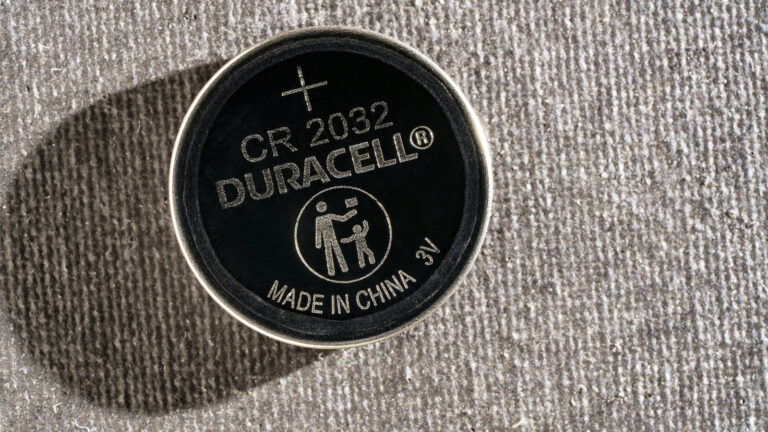
For content creators relying on wireless microphones, remote triggers, or portable lighting, a dead CR2032 battery can disrupt a shoot without warning. Knowing how to test these common coin cells quickly helps avoid downtime and keeps gear running smoothly. According to Engadget’s guide published October 24, 2026, testing a CR2032 battery doesn’t require specialized equipment—just a multimeter or even a simple battery tester found in many toolkits.
The process involves measuring voltage output: a healthy CR2032 should read close to its nominal 3 volts. Readings significantly below 2.7V typically indicate the battery is weak or depleted and should be replaced before it fails mid-use. This is especially critical for creators who depend on consistent power for time-lapse rigs, audio recorders, or camera accessories that use these compact cells.
Engadget emphasizes that visual inspection alone isn’t enough—batteries can appear fine but lack sufficient charge under load. Using a multimeter set to DC voltage mode provides an accurate reading in seconds. For creators managing multiple devices, keeping a log of battery test dates can help predict replacement cycles and reduce unexpected failures during production.
Regular testing also supports sustainability by preventing premature disposal of still-functional batteries. Creators can extend battery life by storing spares in cool, dry places and testing them periodically. With minimal effort, this simple check becomes a reliable part of pre-shoot routines—ensuring that small power sources don’t become big problems on set.
Join the conversation
Load Facebook comments to read and reply using your Facebook account.
