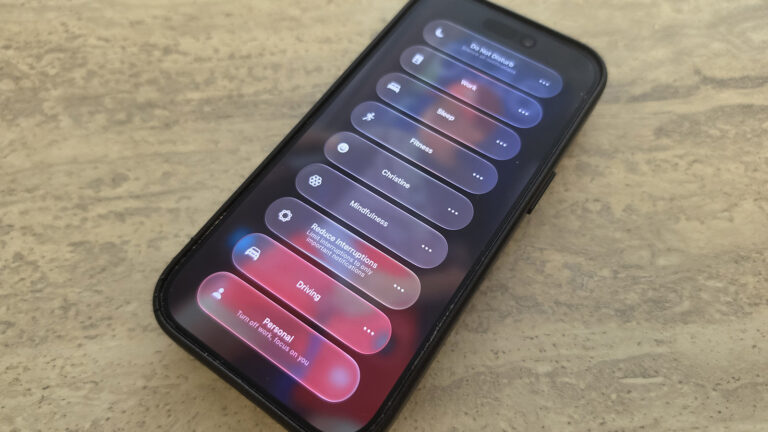
Apple’s iOS 27 update introduces refinements to Focus mode that may quietly reshape how content creators manage distractions and tailor their iPhone experience. While the changes are described as subtle, they build on previous iterations to offer more granular control over notifications and app access based on activity or time of day.
For creators juggling shooting, editing, and engagement, Focus mode helps isolate work environments—like silencing social alerts during filming or prioritizing client messages during editing sessions. iOS 27’s updates aim to streamline this process, though specific mechanics weren’t detailed in the source.
The adjustments likely enhance automation and contextual awareness, allowing Focus modes to activate more intelligently based on location, app usage, or connected accessories—features valuable for creators shifting between studio, field, and desk work.
These improvements support a smoother transition between creative tasks without manual reconfiguration, reducing friction in daily workflows. By minimizing irrelevant notifications, creators can maintain deeper focus during high-concentration tasks like color grading or scriptwriting.
While iOS 27 includes broader system upgrades, the evolution of Focus mode underscores Apple’s continued attention to productivity tools that serve professional and creator users directly from the lock screen and home screen experience.
Creators should review their existing Focus settings after updating to ensure alignment with revised behavior, even if changes appear minor at first glance.
Staying informed on such updates helps optimize device use for both creative output and digital well-being.
Join the conversation
Load Facebook comments to read and reply using your Facebook account.
