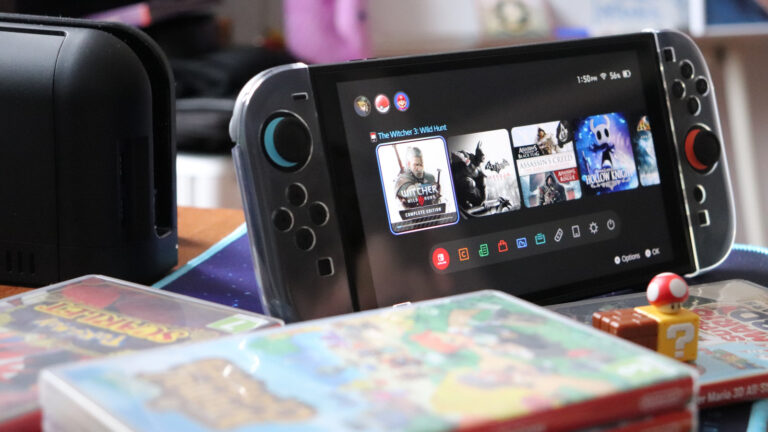
If your Nintendo Switch 2 isn’t displaying on your TV, it can disrupt your content creation workflow—especially when capturing gameplay or streaming live. Before assuming hardware failure, start with the basics: ensure the dock is securely connected to both power and the TV via HDMI. A loose or faulty cable is often the culprit.
Next, verify that your TV is set to the correct input source. It’s easy to overlook, but switching HDMI channels can resolve the issue instantly. Also, check for any damage or debris in the HDMI port on both the dock and the TV, as even minor obstruction can interfere with signal transmission.
Try using a different HDMI cable or port on your TV to rule out equipment failure. If possible, test the Switch 2 dock with another TV or monitor to determine whether the issue lies with the console setup or your display device. Power cycling—unplugging the dock from power for 30 seconds before reconnecting—can also reset connection handshake issues.
For creators relying on consistent output for recording or live streams, maintaining a stable TV connection is essential. While the Switch 2 is designed for seamless TV projection, environmental factors like cable wear or TV settings can interrupt performance. Addressing these common checkpoints helps minimize downtime and keeps your content pipeline running smoothly. Always refer to official support resources if problems persist after troubleshooting.
Join the conversation
Load Facebook comments to read and reply using your Facebook account.
