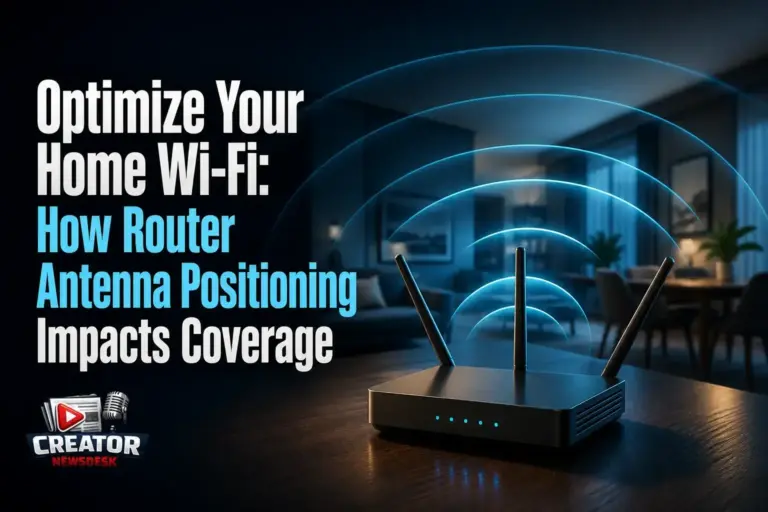
For content creators, a stable and strong Wi-Fi connection is essential—not just for browsing, but for uploading large video files, live streaming, and cloud collaboration. According to Engadget, the way you position your router’s antennas can significantly affect signal strength and coverage throughout your home, and the optimal setup depends on your specific living space.
The summary from Engadget emphasizes that there’s no one-size-fits-all approach to antenna placement. Instead, creators should assess their home’s layout—such as the number of floors, wall materials, and router location—to determine the best configuration. For example, in a single-story home, positioning antennas vertically may help spread the signal horizontally across the space. In multi-level homes, angling one antenna vertically and another horizontally can improve coverage between floors.
The article advises against placing routers inside cabinets or behind large objects, as this can obstruct signals. Instead, elevating the router to a central, open location—like a shelf in a main living area—can maximize reach. Creators who rely on consistent upload speeds for YouTube, Twitch, or client deliveries should treat router placement as part of their studio setup, just like lighting or audio gear.
While the source doesn’t specify exact angles or signal metrics, it reinforces that small adjustments can yield noticeable improvements in reliability. For creators experiencing dead zones or lag during streams, experimenting with antenna orientation and router placement—guided by their home’s structure—is a low-cost, high-impact first step toward better performance.
Join the conversation
Load Facebook comments to read and reply using your Facebook account.
