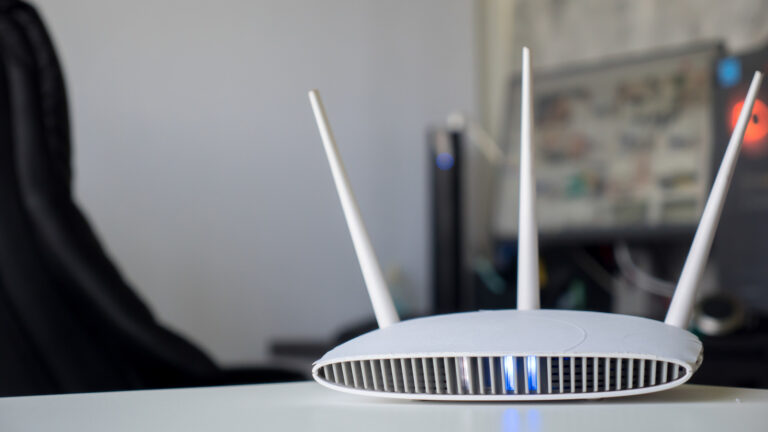
For content creators, a reliable internet connection isn’t just convenient—it’s essential. Whether you’re livestreaming, uploading 4K video, or collaborating in real time, your Netgear router’s status lights offer quick visual cues about network health. While some indicators are self-explanatory, others require a closer look to interpret correctly, especially when troubleshooting mid-workflow.
According to Engadget’s October 19, 2026, guide, Netgear routers use a combination of colored and blinking lights to signal different operational states. Power, internet, Wi-Fi, and Ethernet port lights each convey specific information—solid green often means a stable connection, while amber or flashing patterns may indicate booting, firmware updates, or connectivity issues. Understanding these signals helps creators quickly identify whether a problem lies with the ISP, local network, or device configuration.
The summary notes that while some symbols are obvious, others take a bit of work to decipher—and their meanings can vary slightly by model. This variability means creators should consult their specific router’s manual or Netgear’s support site for precise interpretations, especially when relying on consistent upload speeds for platforms like YouTube, Twitch, or Vimeo.
Ultimately, knowing which lights actually matter empowers creators to minimize downtime. A solid internet light and stable Wi-Fi indicator typically mean you’re good to go for bandwidth-heavy tasks. If lights are blinking erratically or showing unexpected colors, it’s a prompt to check cables, restart the router, or contact your provider—keeping your creative output on track.
Join the conversation
Load Facebook comments to read and reply using your Facebook account.
