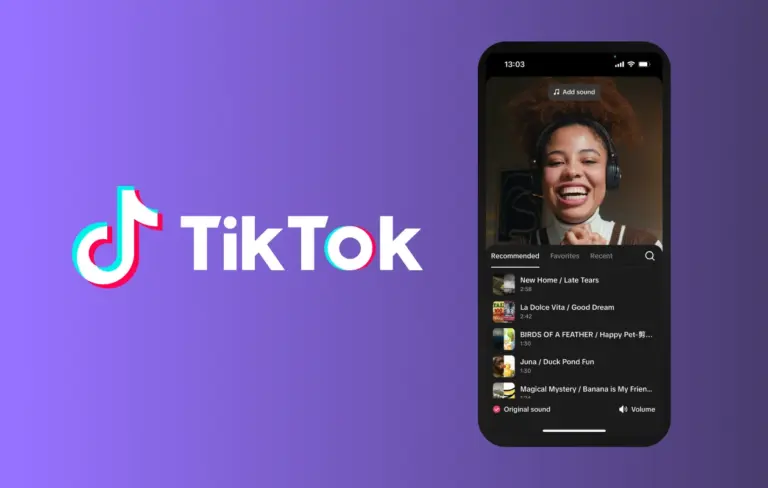
Adding music to TikTok videos is a fast way to enhance creativity and increase viewer engagement. According to a guide published by Riverside on October 20, 2026, creators can accomplish this in just four quick steps using TikTok’s built-in tools. The process involves selecting a video, tapping the “Add sound” option, choosing a track from the platform’s library, and adjusting the audio timing before posting. This streamlined method allows users to sync music seamlessly without leaving the app.
For creators seeking more control over their audio, Riverside also highlights the option to use third-party editing apps. These tools allow for custom soundtracks, voiceovers, or precise audio mixing before uploading to TikTok. While the native feature offers convenience, external editors provide flexibility for branded content, tutorials, or cinematic storytelling where audio quality and timing are critical.
The guide emphasizes that both approaches support the platform’s emphasis on audio-driven trends, which remain central to discoverability on TikTok. By leveraging trending sounds or original audio, creators can improve their chances of appearing in For You feeds. Whether using TikTok’s library or importing a custom track, aligning music with visual rhythm helps sustain audience attention.
Ultimately, the choice between native and third-party methods depends on the creator’s goals—speed and simplicity versus customization and polish. Riverside’s overview serves as a practical starting point for newcomers and a reminder for experienced creators to optimize their audio strategy as part of broader content planning. As short-form video continues to prioritize sensory impact, mastering music integration remains a key skill for growth on TikTok.
Join the conversation
Load Facebook comments to read and reply using your Facebook account.
