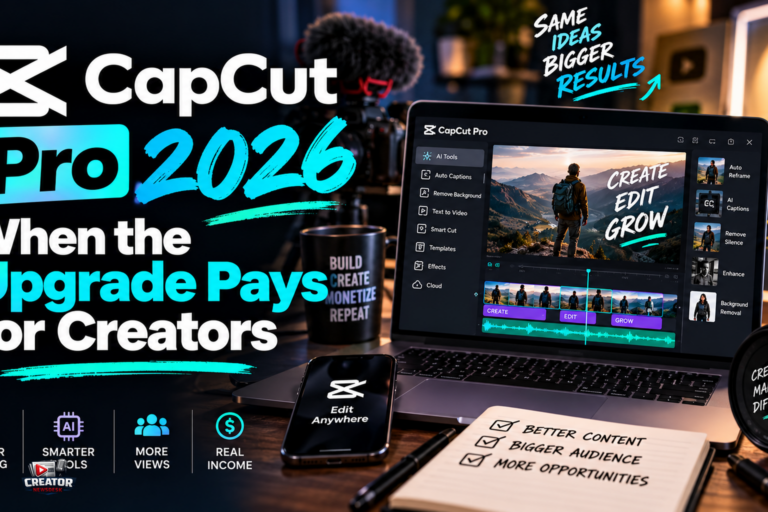
CapCut’s Pro tier in 2026 is the line between a capable free editor and a serious short-form production tool, and knowing which side of it you are on saves either money or frustration. The free version handles most short-form editing tasks, but the features that separate hobby edits from client-ready output increasingly sit behind the Pro paywall.
Pro unlocks the advanced toolkit: unlimited video layers for complex compositions, keyframe animation for precise motion control, a multi-track timeline separating video, audio, text and effects, and picture-in-picture for tutorials. The AI suite expands to background removal without a green screen, automatic multilingual captions, an AI voice enhancer and text-to-speech voiceovers. Output goes to 4K at 60fps with no watermark, alongside premium effects, cinematic LUTs and transitions, plus cloud storage with multi-device sync.
The platform split matters. Desktop, on Windows and macOS, is the most robust suite with the full AI toolkit, chroma key and advanced stabilization, suited to complex projects. Mobile is social-first, best for quick edits and trending templates but limited on multi-track work. The web editor needs no install but offers slower previews and fewer advanced features. Cross-platform syncing works through a CapCut account and cloud storage, though moving mobile projects to desktop can break template compatibility.
CapCut says Pro pricing varies by region, device and promotion, with no fixed global price, so the honest advice is to check the payment page inside your own account rather than trusting a screenshot. The free tier remains genuinely capable for casual creators and beginners testing the waters.
The takeaway for creators: upgrade to Pro when you hit a specific paywall repeatedly, trending templates, premium effects, cloud collaboration, rather than on speculation. Content creators and social media managers producing daily output will feel the value fastest; occasional editors should stay free and spend the subscription money on better lighting instead.
Join the conversation
Load Facebook comments to read and reply using your Facebook account.
