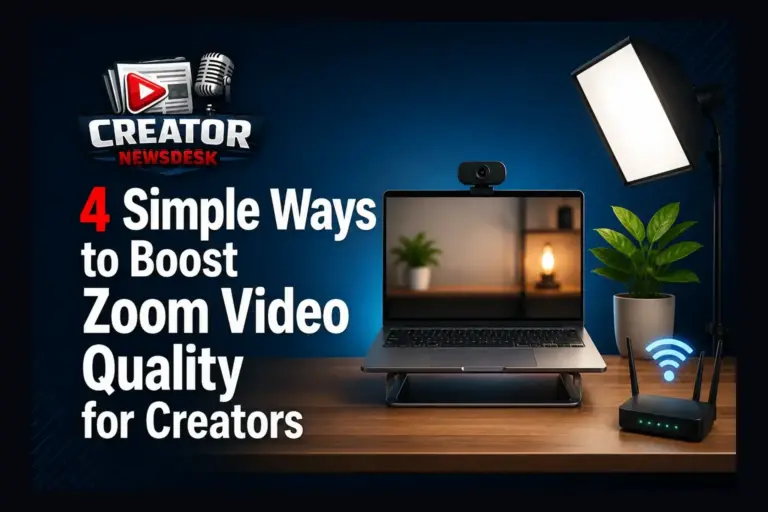
Creating high-quality video content often starts with the tools you already have—and for many creators, Zoom is a central platform for meetings, interviews, and recordings. According to a recent guide from Riverside, improving Zoom video quality doesn’t require expensive gear but rather smart adjustments to existing settings. The article outlines four simple methods creators can use right away to enhance clarity and professionalism in their Zoom sessions.
First, optimizing video settings within Zoom itself can make a noticeable difference. Enabling HD video and adjusting for low light helps maintain image clarity, especially in varied lighting conditions. Creators are encouraged to test these settings before recording to ensure consistent output. Second, external lighting plays a crucial role—positioning a light source in front of you, rather than behind, reduces shadows and improves facial visibility without needing professional equipment.
Audio quality is equally important for engaging content. Using an external microphone, even a basic USB model, significantly reduces background noise and echo compared to built-in laptop mics. Pairing this with a quiet environment ensures your voice comes through clearly, which is vital for tutorials, interviews, or podcasts recorded via Zoom. Finally, the guide emphasizes the importance of a stable internet connection—preferably wired—to prevent freezing or pixelation during recordings.
By focusing on these accessible improvements—video settings, lighting, audio, and connectivity—creators can elevate their Zoom recordings without investing in new hardware. These practical steps support better audience engagement and more polished content, whether you're hosting webinars, collaborating with teams, or producing remote video segments. For creators looking to maximize their current setup, these methods offer a reliable starting point.
Join the conversation
Load Facebook comments to read and reply using your Facebook account.
