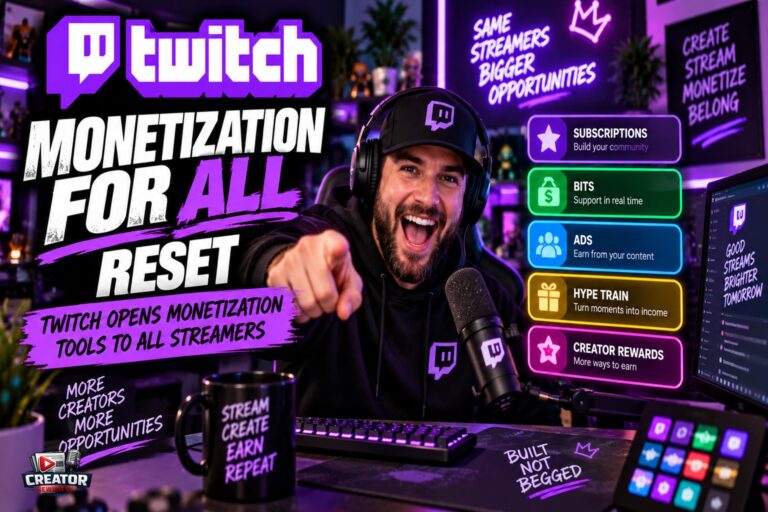
Twitch fundamentally changed who can earn on the platform in 2026. Since May 13, 2026, Bits, subscriptions, emotes, badges and Channel Points have been available to all eligible streamers — not just Affiliates and Partners — under the “Monetization for All” rollout, according to Twitch-focused guides from Kudos.tv and StreamsCharts and an onboarding breakdown from OWN3D.
The catch is the difference between earning and getting paid. Every streamer can now activate the tools through the Creator Dashboard, but only Affiliates and Partners receive cash payouts. Until then, earnings sit in a Spendable Balance — usable inside Twitch for Bits and gifted subs — and unlock below the $50 minimum payout threshold, paying out automatically once a streamer becomes eligible and crosses $50.
Affiliate itself got easier in June 2026: the requirements dropped to 25 followers (from 50), 4 hours streamed (from 8), 4 different stream days (from 7), and a minimum of 3 average concurrent viewers across 4 different days — measured over a rolling 30-day window.
What Affiliate still gates: cash payouts, ads (Affiliates and Partners earn a 55% net share of ad revenue), the Sponsorship Portal, Charity tools, Goals, subscriber-only VODs and streams, and Bits in Extensions. The standard subscription split remains 50/50 of net revenue at both tiers, with 60/40 and 70/30 available through the Plus Program at 100 and 300 Plus Points.
For new streamers, the old advice — “you can’t monetize until Affiliate” — is now wrong, and acting on it wastes the first weeks of a channel.
The takeaway for creators: complete monetization onboarding on day one so earnings start accruing immediately, even before Affiliate. Then treat Affiliate as a payout threshold to clear, not a starting line.
Join the conversation
Load Facebook comments to read and reply using your Facebook account.
